
Catalog completeness
Find items with missing prices, duplicate codes and other gaps, and fix them in place.
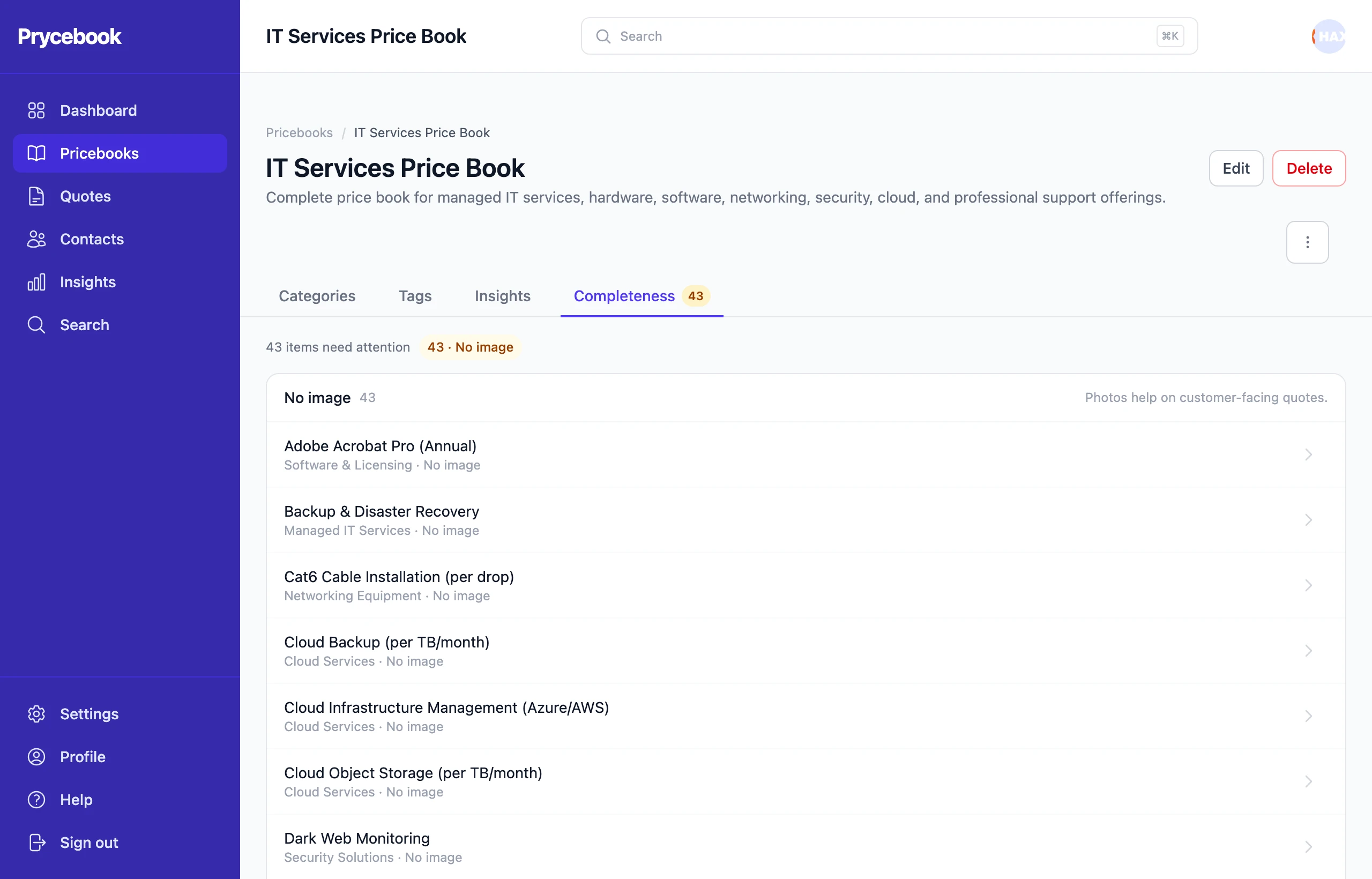
A catalog with a missing or zero price is a quote waiting to go out wrong. The Completeness tab on each pricebook lists every item that fails a check, with a count beside the tab name when something needs fixing.
Fix items in place
- Open the pricebook's Completeness tab.
- Each item shows what is wrong with it. Fill in the missing price, name, code or cost right in the list and choose Save.
- For anything else, open the full editor from the item.
The Pricebooks list can also be filtered to only the pricebooks that Needs attention.
The checks
- No price set: an item with no price cannot be quoted.
- Priced at zero: a zero price goes onto a quote without anyone noticing.
- No name: an unnamed item is hard to find and prints blank on a quote.
- Duplicate code or SKU: two items sharing a code make the code useless for finding either.
- No image: photos help on quotes customers see.
- No code or SKU: off by default, since plenty of businesses never assign codes.
- No cost recorded: off by default. Without a cost, an item adds nothing to a quote's margin figure.
Choose which checks run
Admins can turn checks on and off for the whole organization at Settings → Catalog completeness. Turn off the ones that do not fit how you work, so the rest stay worth reading.
Still stuck? Open a support ticket and we will reply by email.