
Get help from us
Open a support ticket when these guides do not answer your question.
If these guides do not answer your question, ask us.
- Open Settings → Support.
- Open a ticket, describe what you were trying to do and what happened instead, and attach a screenshot if it helps.
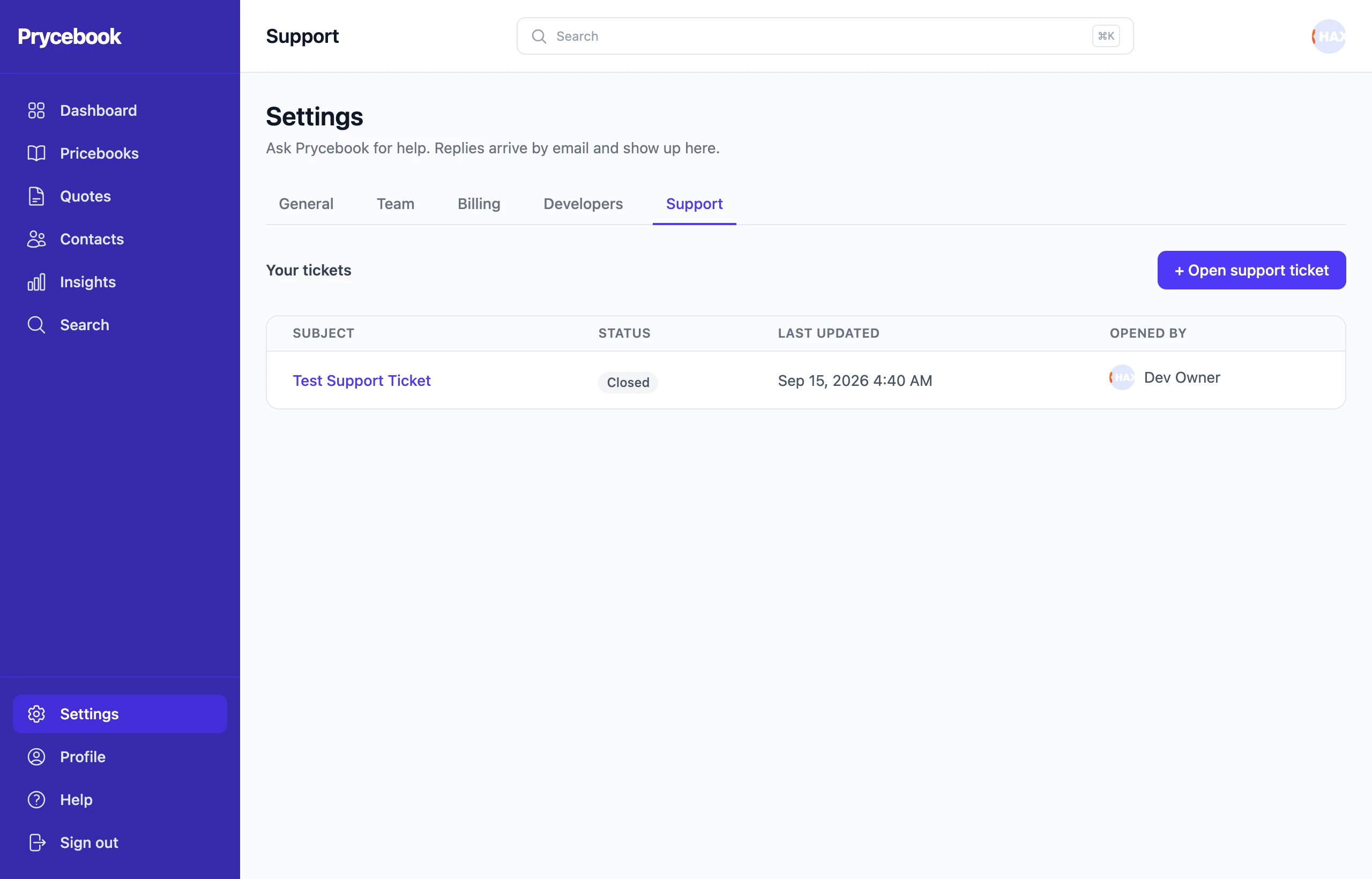
We reply by email, and the whole conversation stays on the ticket, where everyone in your organization can follow it. Close the ticket when you are sorted.
Support tickets are available on paid plans. During a trial, the Support page shows how to choose a plan.
For a problem with a specific quote or item, include its quote number or item name. It saves a round of back-and-forth.
Still stuck? Open a support ticket and we will reply by email.