
Export your data or delete your organization
Take a copy of your data, and what happens when an organization is deleted.
Export your data
You can take a copy of your data at any time:
- Items: open each pricebook's More actions menu (⋮) and choose Export CSV.
- Quotes: the deletion page, below, has an Export quotes button that downloads every quote as a CSV.
- A single quote: Download PDF on the quote.
Delete your organization
Only the owner can do this, and it affects everyone on your team.
- Open Settings and scroll to Danger zone.
- Choose Delete organization.
- Export anything you want to keep.
- Type your organization's name, enter your password, tick the confirmation, and choose Delete organization.
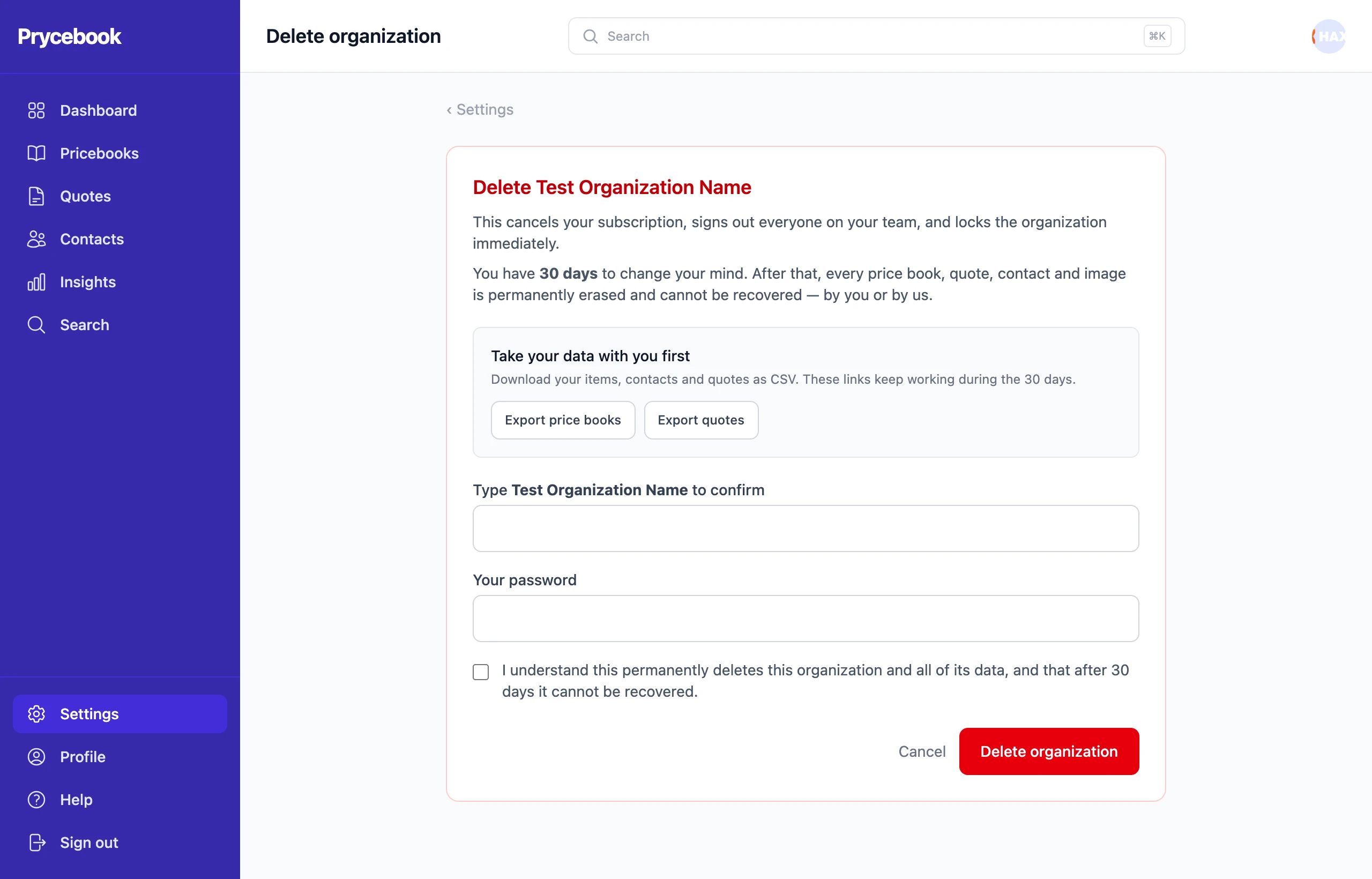
Straight away, your subscription is cancelled, everyone on the team is signed out, and the organization is locked.
You have 30 days to change your mind using the link in the email we send when you delete it. After that, every pricebook, quote, contact and image is permanently erased and cannot be recovered, by you or by us.
Still stuck? Open a support ticket and we will reply by email.