
Search and shortcuts
Jump to any item, quote or contact from anywhere.
Quick find
The search box at the top of every page looks across items, quotes and contacts at once.
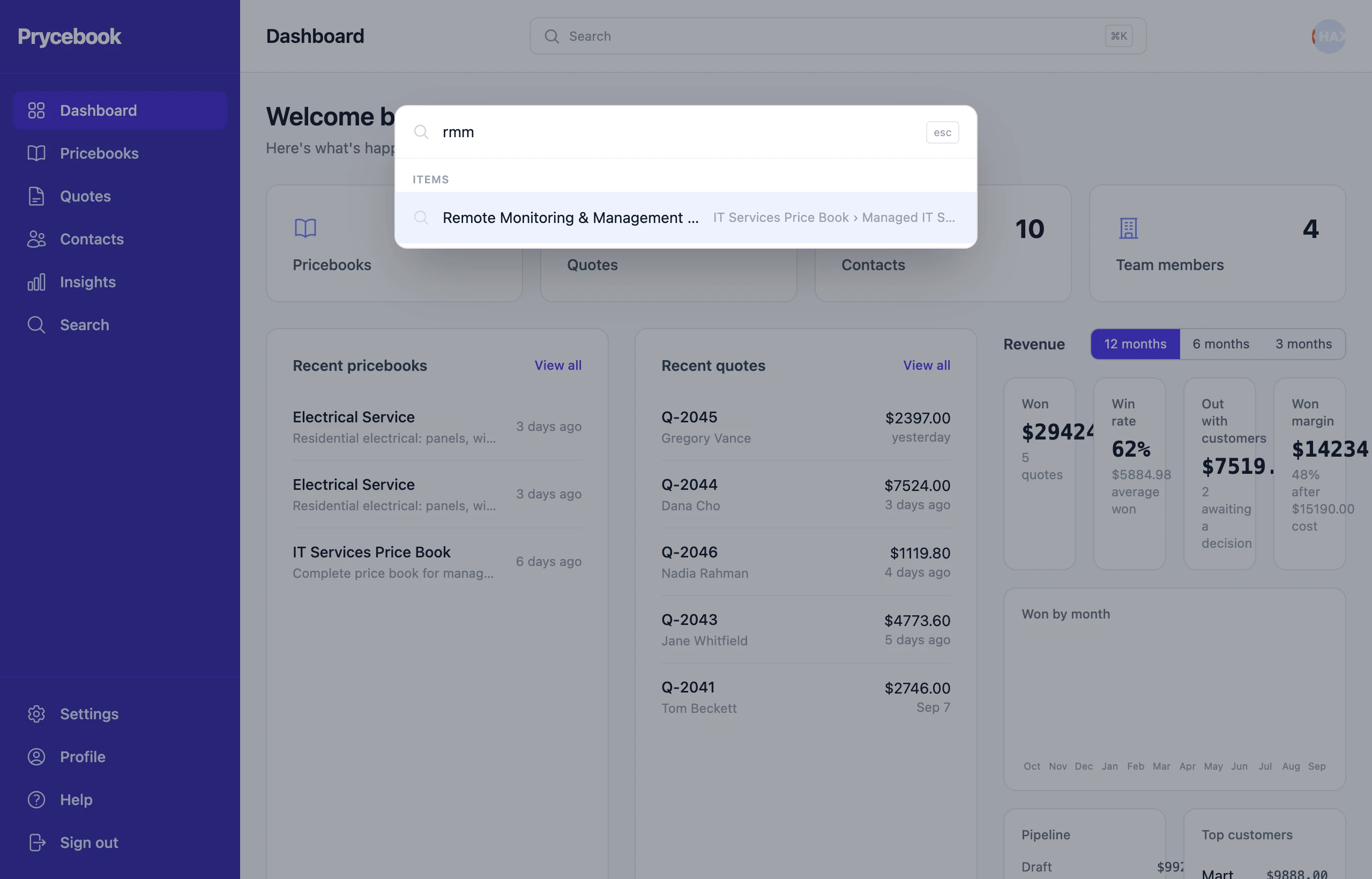
- On a computer, press ⌘K on a Mac or Ctrl K on Windows from any page. Use the arrow keys to move through results and Enter to open one.
- On a phone, tap the search bar at the top of the screen.
The Search page
Search in the sidebar gives you the same search as a full page, across pricebooks, items, quotes and contacts.
Searching inside a list
Most lists have their own search and filters:
- Quotes: search by quote number or customer, filter by status, and sort by date, customer or total.
- Pricebooks: search by name, or show only those that Needs attention.
- Inside a pricebook: search by name, code or SKU, filter by tag, or show only your Favorites.
- Contacts: search by name, company, email or phone, and filter to contacts missing an email.
Filtered lists keep their filters in the page address, so you can bookmark one or send it to a teammate.
Still stuck? Open a support ticket and we will reply by email.