
Manage contacts
Add customers, find them again, and put them on quotes.
Contacts are the people and companies you quote: customers, and anyone else you want on a quote.
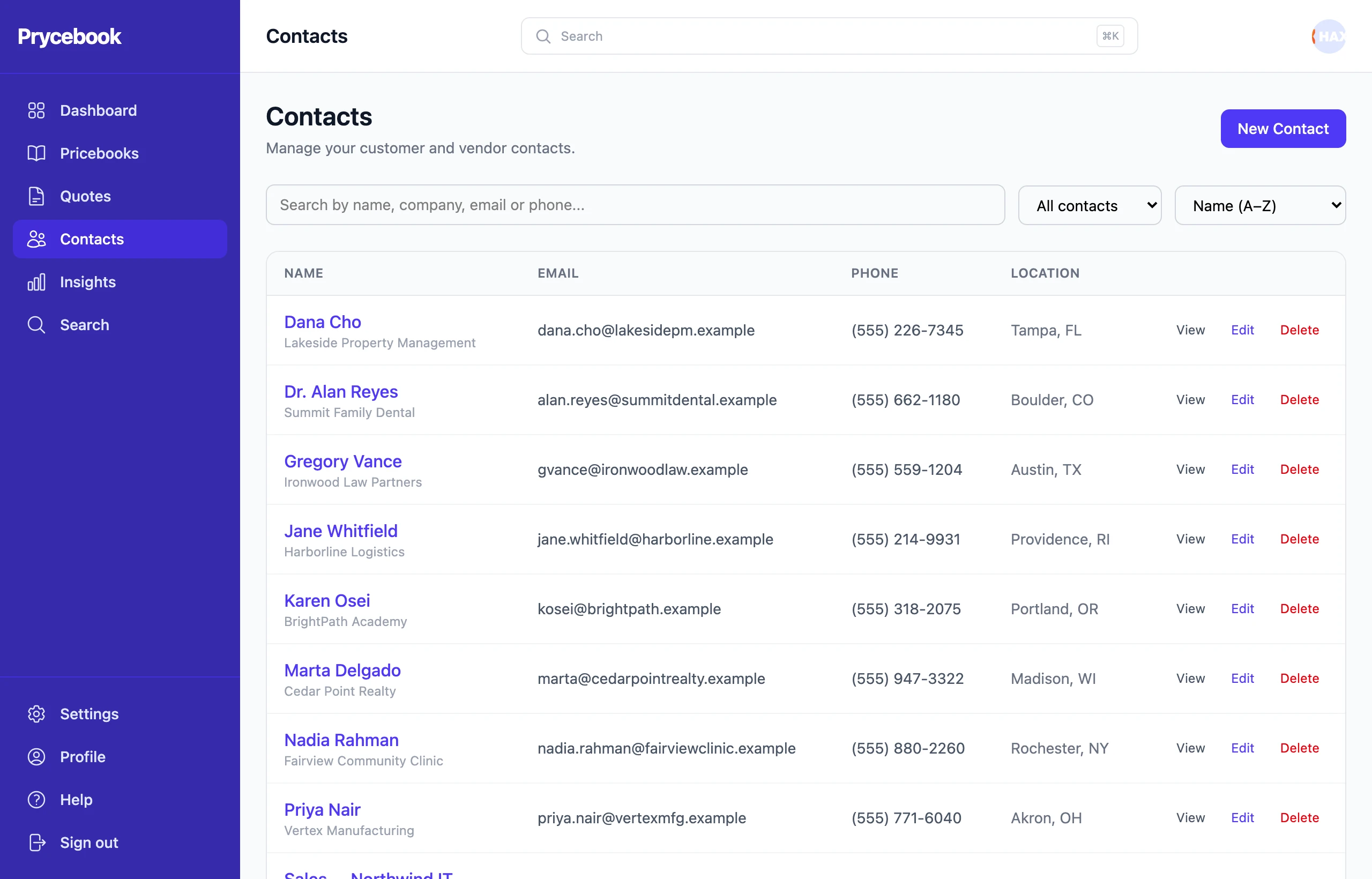
Add a contact
- Open Contacts and choose New Contact.
- Enter a name. Company, email, phone and address are optional, but a quote can only be emailed to a contact with an email address.
- Save.
You can also create a contact while building a quote, straight from the Bill to or Ship to search. See Choose the customer.
Find a contact
Search by name, company, email or phone. The filter narrows to contacts that have an email or phone, are missing an email, or are companies or individuals.
Filter by Missing email before a busy week of sending quotes, so nothing stalls at the send step.
See a contact's quotes
Open a contact to see their details and every quote they are on.
Edit or delete a contact
Use the actions on the contact's row. Deleting a contact does not change quotes that already name them.
Still stuck? Open a support ticket and we will reply by email.